Manage Your Google Reviews in ChatGPT
Connect ReputeMap to ChatGPT once and ask about the Google reviews of every location you manage: which ones wait for a reply, how locations compare, what 1–3★ reviewers complain about. ChatGPT drafts replies in your business's voice, and nothing goes public until you approve the exact text.
 By Yaro (Yaroslav Mykhailov), founder of ReputeMap · Updated
Reading this for your own business? See where it stands on Google right now. It's free, with no signup.
Live from Google · free · nothing is stored
Full report
- Google rating and review count above
- What to work on first above
- The newest Google reviews, word for word
- Replies to them, drafted in your voice
Free account · no card · opens in about a minute
Can ChatGPT manage your Google reviews?
Yes, once ReputeMap is connected: ChatGPT can read the Google reviews of every location in your ReputeMap workspace, compare ratings across locations, summarize what unhappy customers say, draft replies in your business’s voice and publish the ones you approve. ReputeMap is a Google review management tool for businesses with one or many locations, and it connects to ChatGPT as an app over the Model Context Protocol (MCP).
On its own, ChatGPT can’t see your Google Business Profile. It writes a nice reply if you paste a review in, but it doesn’t know which reviews are still unanswered, can’t compare five locations and can’t post anything to Google. ReputeMap gives it that access, through the official Google Business Profile API connection you already made in ReputeMap, limited to the one workspace you choose when you sign in.
Every answer in the video below is live, recorded in ChatGPT on 16 November 2026 against a real business with 14 Google reviews.
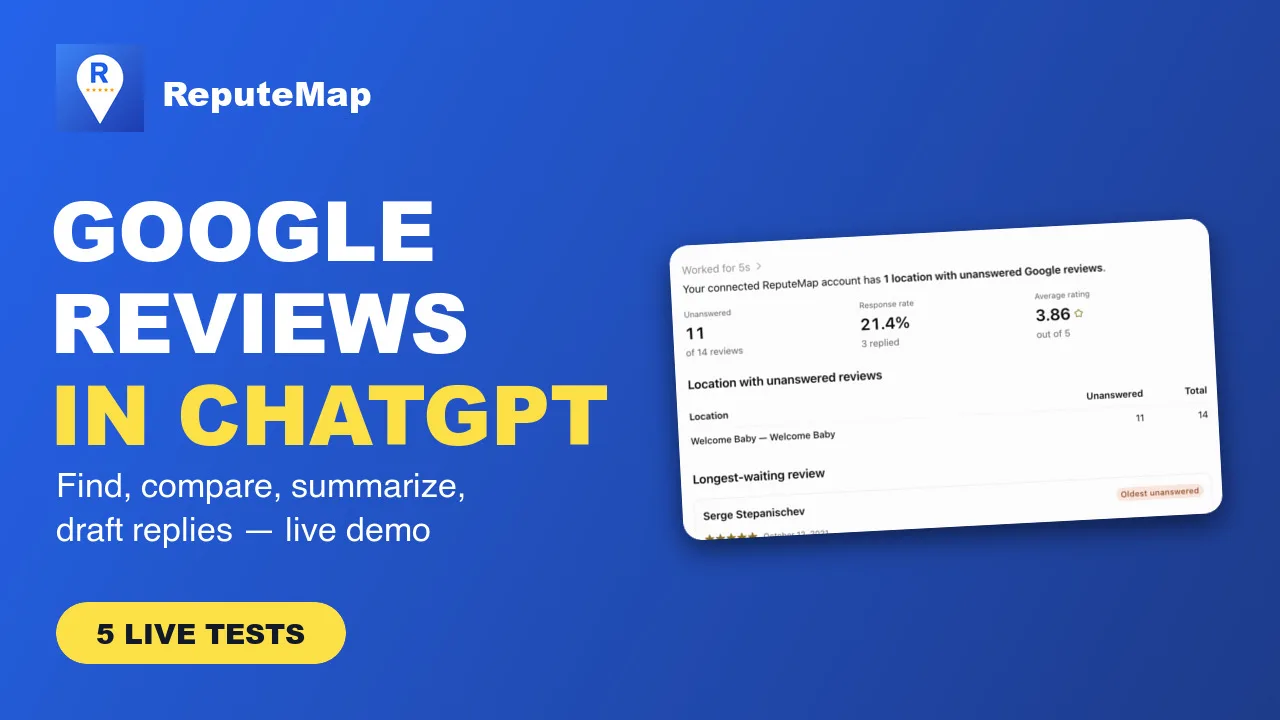
How to Manage Google Reviews in ChatGPT (Live Demo) | ReputeMap ReputeMap connects to ChatGPT so you can manage the Google reviews of your business locations in plain language: find reviews that wait for a reply, compare ratings across locations, summarize 1-3 star reviews and draft replies in the business's own voice.
3:47 video · chapters:
How to connect ReputeMap to ChatGPT
It takes about two minutes and needs no API key. ChatGPT finds ReputeMap’s sign-in settings on its own.
- In ChatGPT on the web, open Plugins and choose Add, then Add custom MCP server.
- Enter ReputeMap as the name and
https://api.reputemap.com/mcpas the server URL. Keep Authentication on OAuth; ChatGPT fills in the rest itself (client registration: CIMD). - Tick I understand and want to continue, then select Create, then Connect ReputeMap.
- Sign in to ReputeMap (email and password, or Continue with Google).
- On ReputeMap’s consent screen, check that the request comes from chatgpt.com, pick the workspace ChatGPT may use and select Approve. ChatGPT asks to read your reviews and to act on them: save drafts, send review-request emails and publish replies you approve.
- In a new chat, type @ReputeMap and pick it, then ask your question.
Behind the scenes ChatGPT gets a ReputeMap access token for that one workspace. It never sees your Google password or your ReputeMap password, and it can’t reach other workspaces you belong to.
What you can ask ChatGPT about your Google reviews
These are the five questions from the video, with the ReputeMap tool ChatGPT calls for each.
| Ask ChatGPT | ReputeMap tool it calls | What you get |
|---|---|---|
| ”Which of my locations have unanswered Google reviews, and which review has waited longest?“ | list_locations, list_reviews | Unanswered reviews per location and the oldest one, with its date and text |
| ”Compare the average rating, review count and unanswered reviews of my locations over the last 90 days.” | get_review_stats | A per-location table: reviews, average rating, star breakdown, unanswered |
| ”Show my 1–3 star Google reviews and summarize what customers complained about.” | list_reviews | The low-rated reviews, grouped into complaint themes |
| ”Draft a short, friendly reply to my newest review. Don’t post anything.” | list_reviews, draft_reply | Two or three reply drafts, saved in ReputeMap’s editor, nothing published |
| ”How much of my ReputeMap API allowance have I used this month?“ | get_usage | Credits used and left this month |
Two more tools act outside ReputeMap, so ask for them in plain words: send_review_request emails one review request to a customer you name, and publish_reply posts an approved reply on Google. If you ask for a reply in another language, the draft comes back in that language; by default it follows the reviewer’s.
Can ChatGPT post replies to Google on its own?
No reply goes public by accident. ReputeMap’s publish_reply tool tells ChatGPT to call it only with text you have explicitly approved, one review per call, never in bulk, which matches Google’s rule that a person approves each reply. A typical flow: ask for a draft, edit it in the chat, say “publish this reply”, and ChatGPT posts that exact text.
Google then checks the reply before showing it. If Google is still checking, the tool says so; if Google refuses the reply, ReputeMap keeps your text with a manual fallback, so the words are never lost. You can also open the draft in ReputeMap and publish it from there. For what to write, see how to respond to Google reviews with examples.
ChatGPT on its own vs ChatGPT connected to ReputeMap
| ChatGPT on its own | ChatGPT with ReputeMap | |
|---|---|---|
| Sees your Google reviews | Only what you paste in | Every review of every location in the workspace |
| Knows which reviews are unanswered | No | Yes, from Google’s reply status |
| Compares locations | Only if you build the table yourself | Ratings, counts and backlogs per location |
| Writes in your business’s voice | If you describe it each time | Uses the voice and sign-off saved in ReputeMap |
| Posts the reply to Google | No, you copy it into Google | Yes, after you approve the exact text |
| Alerts you to new 1–3★ reviews | No | ReputeMap’s own email and Telegram alerts keep running |
If you only get a few reviews a month, pasting them into ChatGPT works fine. The connection pays off when you manage several locations or clients and the hard part is knowing what’s waiting. Our AI review response generator guide compares the options in more detail.
What it needs and what it costs
- ChatGPT: an account on chatgpt.com that can add a custom MCP server under Plugins. We connected it on 16 November 2026.
- ReputeMap: a workspace with an active plan or the 14-day free trial, and your Google Business Profile connected in ReputeMap. MCP access is part of every plan, Solo at $19/mo included, at no extra charge. See ReputeMap pricing.
- Role: owners, admins and analysts can connect. Client viewers can’t, because a connection reads the whole workspace. The public demo workspace can’t be connected.
- Usage: each tool call uses one of the workspace’s 1,000 monthly API credits, shared with the REST API. Asking how many you’ve used is free.
Is my Google review data safe?
ChatGPT gets access only to the one ReputeMap workspace you approve, only after you sign in, and only until you disconnect it in Settings → API keys → Connected apps. ReputeMap reads your reviews through the official Google Business Profile API connection you set up in ReputeMap; nothing is scraped. Google reviews are public text written by your customers, and ReputeMap’s tools treat them as data, never as instructions.
What ChatGPT does with your conversations follows your ChatGPT data settings and OpenAI’s policies. ReputeMap’s side is covered by our privacy policy. For the full tool list, scopes and error messages, read the ReputeMap MCP server documentation; the same server also works in Claude, Cursor and other assistants, listed on the ReputeMap MCP server page.
ChatGPT is a trademark of OpenAI. Google and Google Business Profile are trademarks of Google LLC. ReputeMap is not affiliated with or endorsed by OpenAI or Google.
Frequently asked questions
Can ChatGPT read my Google reviews?
Not by itself: ChatGPT can't open your Google Business Profile, so you would paste each review in and each reply back out. Connected to ReputeMap, it reads the Google reviews, star ratings and reply status of every location in the ReputeMap workspace you sign in to, through the official Google Business Profile API connection you made in ReputeMap.
Can ChatGPT reply to Google reviews for me?
It drafts replies with ReputeMap's generator, in the reviewer's language and your business's saved voice, and saves them as drafts in ReputeMap. It can publish a reply to Google through ReputeMap's publish_reply tool, which only accepts text you have approved, one review at a time. Google then checks every owner reply before showing it.
Is ReputeMap in the ChatGPT app directory?
Not yet, as of 16 November 2026. You add it by its address instead: in ChatGPT go to Plugins, Add, Add custom MCP server, enter https://api.reputemap.com/mcp with OAuth, then sign in with your ReputeMap account. It takes about two minutes and works the same way once ReputeMap is listed.
What do I need to use ReputeMap in ChatGPT?
A ChatGPT account on the web, and a ReputeMap workspace with an active plan or the 14-day free trial, with your Google Business Profile connected in ReputeMap. You must be an owner, admin or analyst of that workspace. Each tool call uses one of the workspace's 1,000 monthly API credits, shared with the REST API; checking usage is free.
How do I disconnect ChatGPT from ReputeMap?
In ReputeMap, open Settings, then API keys, then Connected apps, and select Disconnect next to ChatGPT. Its access ends at once. You can also remove ReputeMap from ChatGPT's Plugins page. Every draft, email and published reply made through ChatGPT is recorded in your ReputeMap audit log with the person who connected it.
About the author
Founder, ReputeMap
I build and run ReputeMap. Before it, I spent 12+ years as a senior and lead software engineer on big-data systems and backend services.
Ready to manage Google reviews the smart way?
Google Review Management for Multi-Location Businesses and Agencies. Start a 14-day free trial on any plan (card required). Setup takes about 3 minutes.
Start free trial